Are you looking to print an Excel worksheet but not sure where to start? Printing an Excel worksheet may seem daunting at first, but with a few simple steps, you’ll be able to do it in no time!
Whether you need a hard copy for a presentation or just want to have a physical copy of your data, printing an Excel worksheet can be a useful skill to have. Follow these easy steps to learn how to do it effortlessly.
how to print a excel worksheet
How to Print an Excel Worksheet
The first step is to open your Excel worksheet and make sure it is formatted the way you want it to appear in print. Check for any errors or adjustments that need to be made before proceeding to the printing stage.
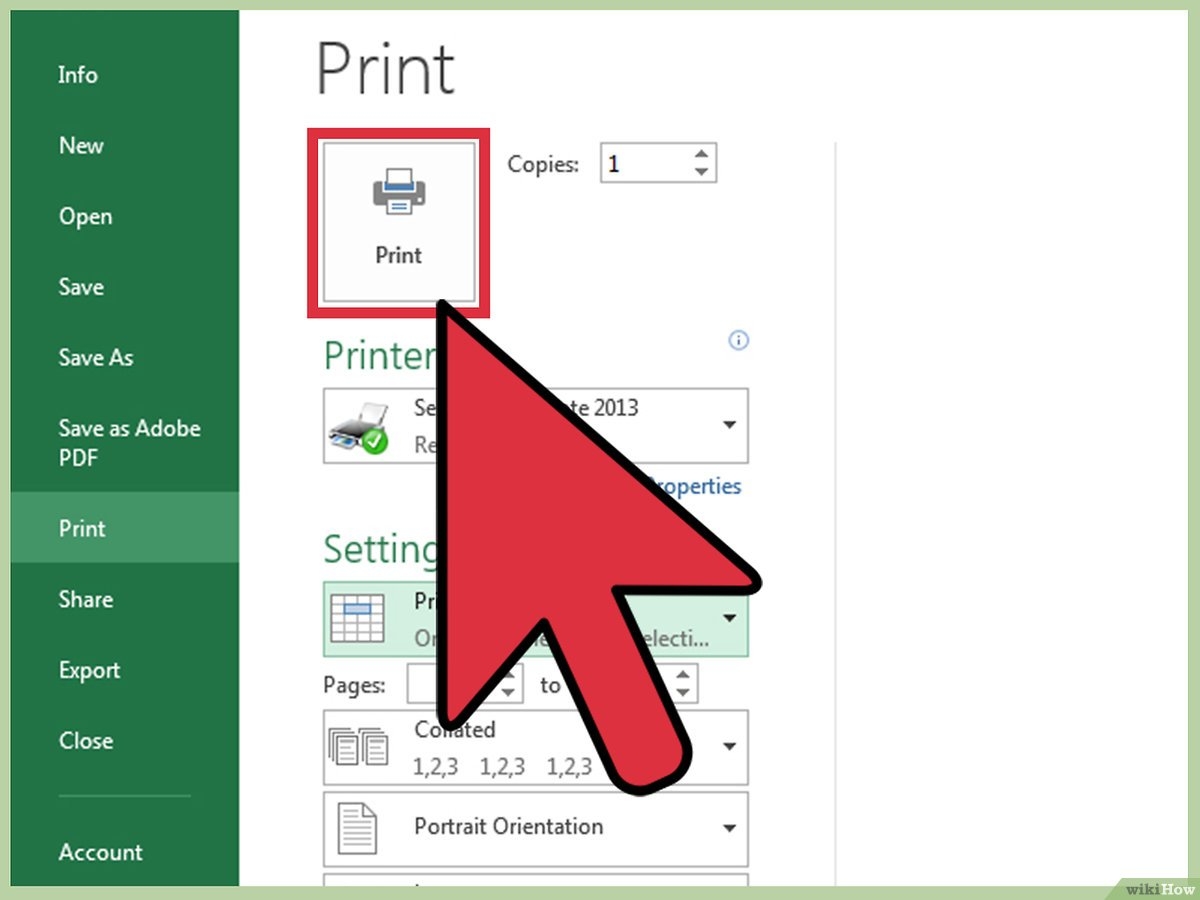
Next, go to the “File” menu and select “Print.” This will open the Print settings where you can choose the printer you want to use, the number of copies, and any other printing options you may need.
Once you have selected your printing options, click on the “Print” button, and your Excel worksheet will be sent to the printer. Make sure your printer is turned on and properly connected to your computer to ensure a successful printing process.
After the printing is complete, you can collect your printed Excel worksheet from the printer and review it to ensure everything looks as expected. If there are any issues, you can always make adjustments and reprint the worksheet as needed.
Printing an Excel worksheet is a straightforward process that can be done in just a few simple steps. By following these instructions, you’ll be able to print your Excel data with ease and convenience whenever you need a hard copy.
Now that you know how to print an Excel worksheet, you can easily create physical copies of your data whenever necessary. Whether it’s for a business presentation or personal use, printing Excel worksheets will no longer be a challenge for you!
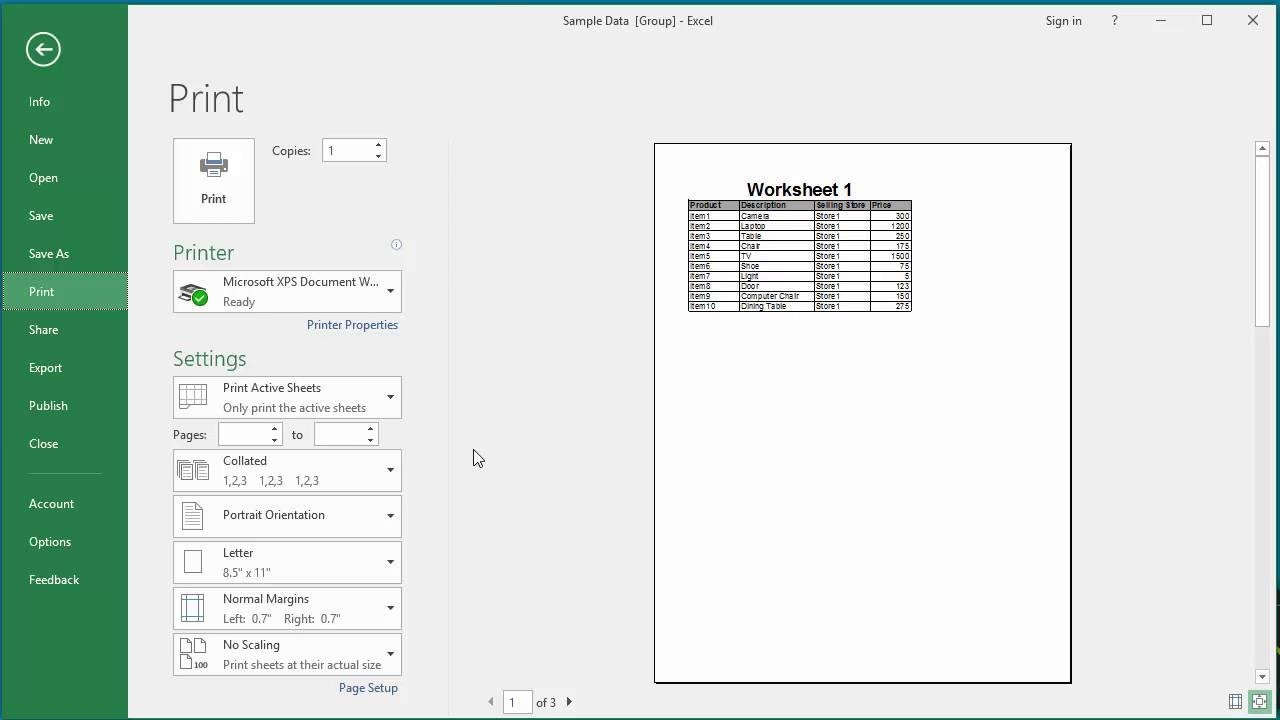
How To Print Only Specific Worksheets Of A Workbook In Excel 2016 YouTube
How To Print An Excel Sheet On One Page the Simplest Way YouTube
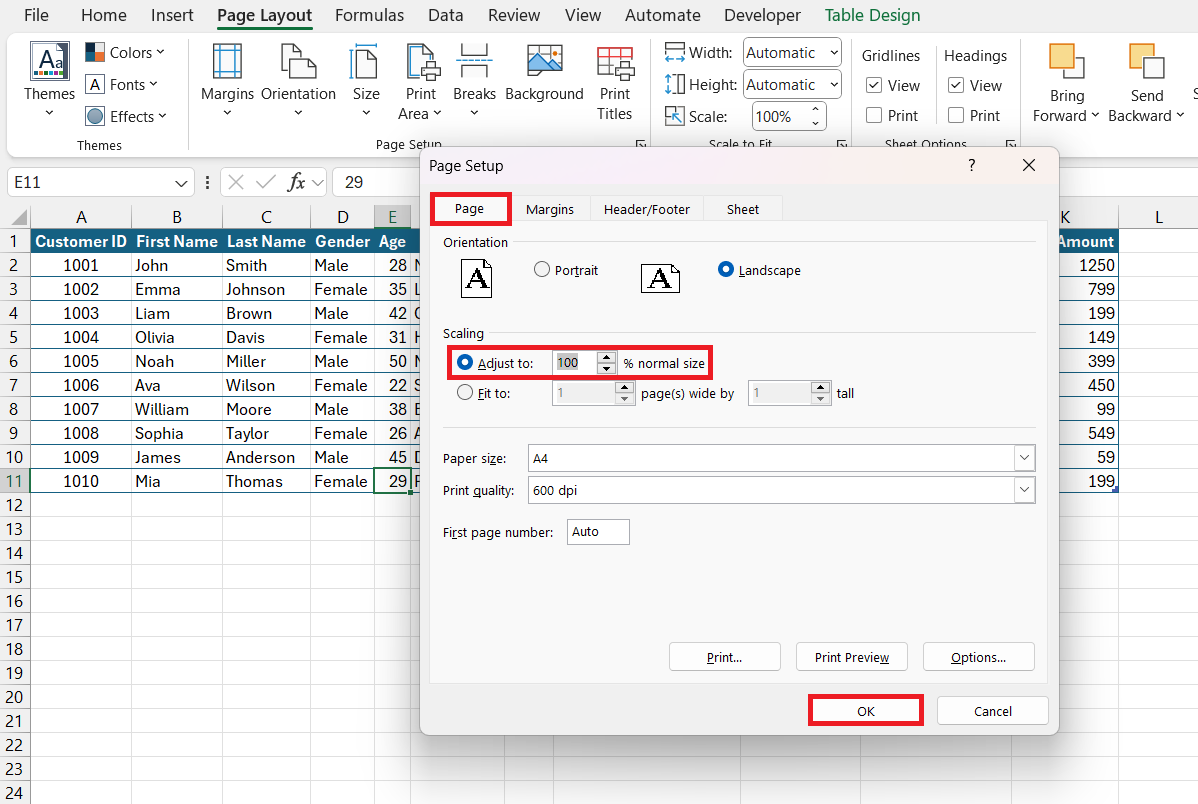
How To Print An Excel Spreadsheet Step By Step Guide MyExcelOnline
How To Print Part Of An Excel Spreadsheet 3 Simple Methods
